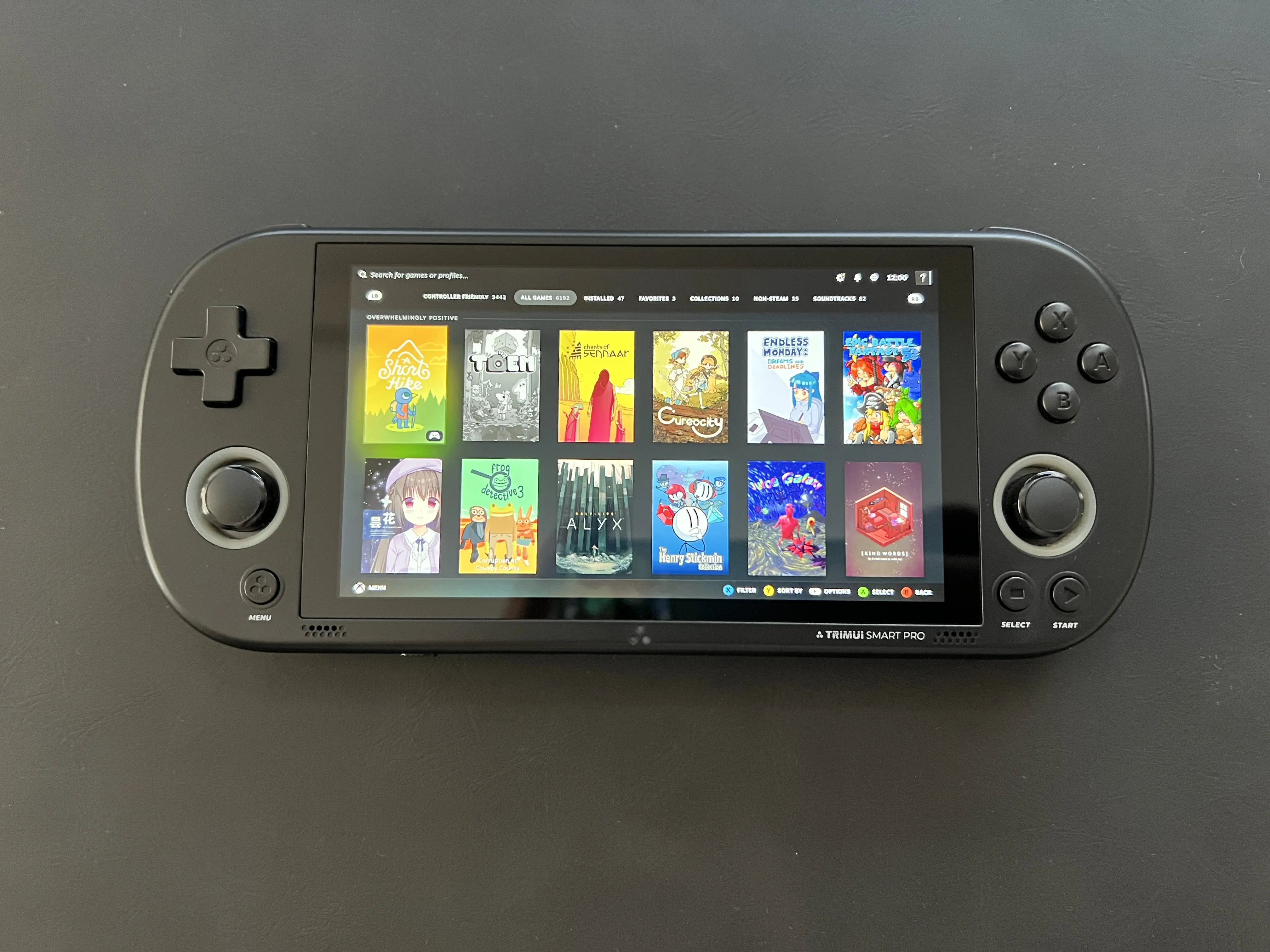
I started with a symptom that sounded ordinary, Moonlight would sometimes stutter on a TrimUI Smart Pro. It was not a constant low frame rate. It was closer to a three-second freeze that appeared after playing for a while. Other devices on the same Wi-Fi network streamed well. So clearly this was a problem with the handheld itself, not the router or the host. But the device could also maintain a 720p60 stream for minutes at a time, so it was not a general Wi-Fi failure or insufficient bandwidth/performance.
Rule zero: do not cut off the branch I am sitting on
The device is reached over SSH, over wlan0. Restarting Wi-Fi, killing the supplicant, taking the interface down, or experimenting casually with driver state could strand the device. I therefore treated the association as read-only throughout the initial investigation.
Every potentially disruptive test needed three properties:
- It had to change the smallest possible component.
- It needed a way to recover without me having to manually reboot the device all the time.
- It had to leave enough passive instrumentation running to prove what happened.
This constraint shaped the fix just as much as the bug did.
Establishing what the device actually was
The target is an AArch64 Linux/OpenWrt derivative running a 4.9.191 kernel on an Allwinner sun50iw10 platform. It has four CPU cores, 1 GB of RAM, no swap, and a 1280x720 screen timed at an unusual 63.965 Hz.
The Wi-Fi stack is an old XRadio implementation. Its firmware identifies itself as XR_C09.08.52.73_DBG_02.122 2GHZ HT40 from 2021. The observed link used 2.4 GHz, 40 MHz channel width, excellent -43 to -47 dBm signal, and nominal PHY rates around 120-135 Mbit/s. Power saving was enabled.
I also have two Moonlight installations:
- Stock Moonlight Embedded 2.6.1 at
/usr/bin/moonlight, launched by/usr/trimui/apps/moonlight/launch.sh. - A PortMaster “Moonlight New” build on the SD card.
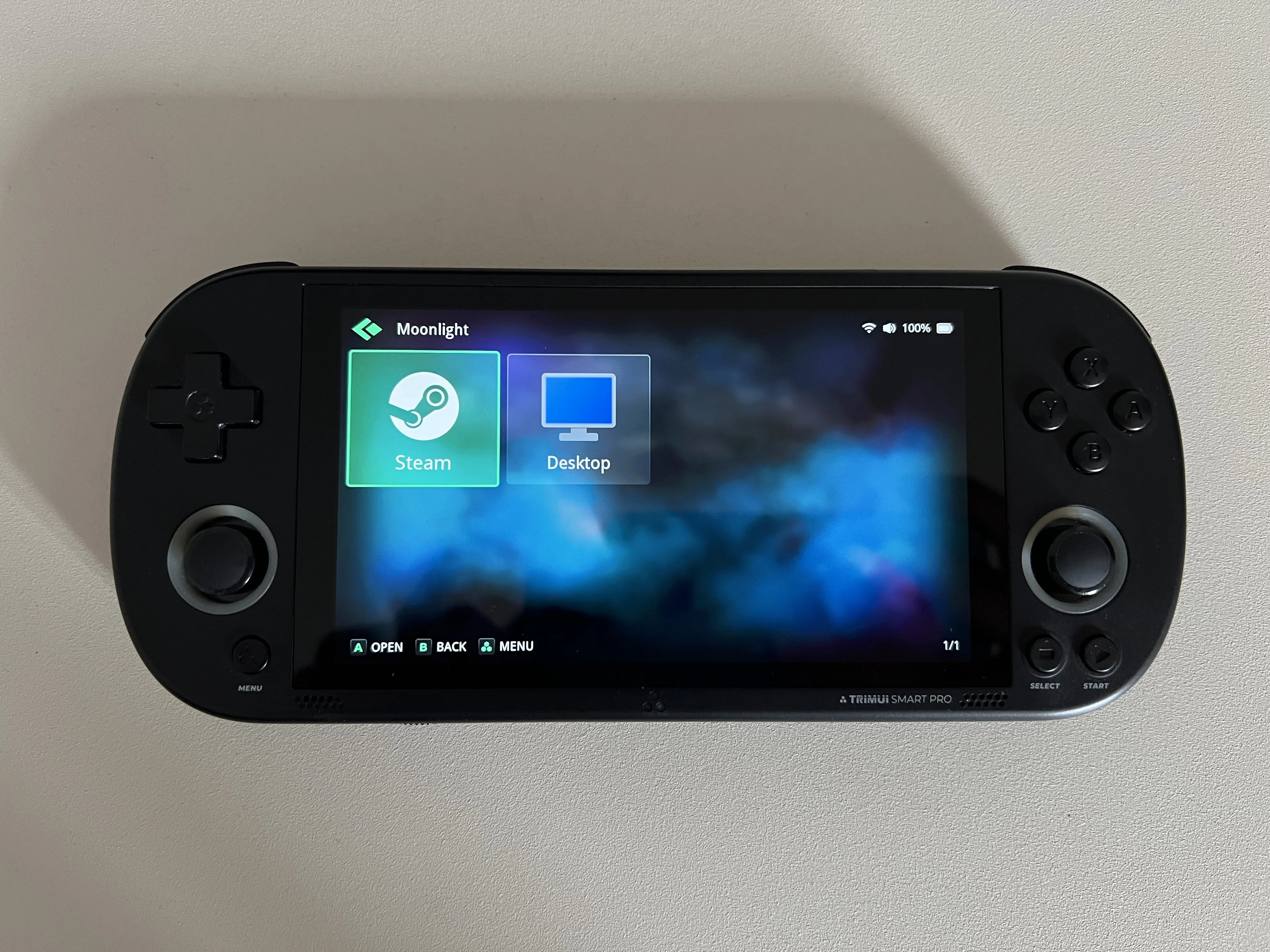
I’ve never been able to get the PortMaster copy working properly. But the stock client is configured with: 720p60 at 4,096 Kbit/s. Although I’ll probably experiment with higher settings now that the stuttering has been resolved!
Testing the network instead of guessing
The TrimUI initially reported strong signal and no obvious interface errors, but pings told a different story. From the handheld, the router occasionally took more than 100 ms to answer. The Sunshine host showed the same class of spike.
The useful control was running the same test from another client:
| Destination | Average RTT | Maximum RTT |
|---|---|---|
| Router | 0.840 ms | 3.571 ms |
| Sunshine host | 2.836 ms | 8.631 ms |
| TrimUI | 39.979 ms | 210.749 ms |
All three had zero packet loss. The LAN and streaming host were healthy while the TrimUI path was not.
Faster pings revealed a power-save-shaped pattern: the first packets after idle were slow, then continuous traffic pulled latency down. That explained background jitter, but not yet a multi-second freeze.
Catching the freeze in the act
I ran two passive monitors:
iw event -ton the device for nl80211 events.- Timestamped pings from another LAN client, filtered to show timeouts and large responses.
The first decisive event arrived while Moonlight was not even running. The Wi-Fi stack emitted numeric event 33. Roughly 1.18 seconds later it emitted event 34, followed by event 60. At the same moment, ping responses backed up to 1,174, 970, 768, 563, and 358 ms, then arrived in a burst.
The Linux nl80211 command enum is a stable ABI. Those values map to:
- 33:
NL80211_CMD_TRIGGER_SCAN - 34:
NL80211_CMD_NEW_SCAN_RESULTS - 60:
NL80211_CMD_FRAME_TX_STATUS
The next event sequence began 300.001848 seconds after the first. The TrimUI was performing an off-channel Wi-Fi scan every five minutes, and each scan temporarily prevented real-time traffic from flowing.
Moonlight’s own FAQ documents the same mechanism on macOS: background Wi-Fi scans interrupt send/receive activity, and low-latency game streaming cannot hide the gap with a large video buffer. Which is ironically a problem I’ve encountered before on my iOS devies. Unlike iOS though, this should be a fixable issue on a linux device.
The official references are the Linux nl80211 header and the Moonlight FAQ.
The raw radio outage was around 1.2 seconds. Moonlight then has to wait to recover packet, decoder, audio, and render queues, resulting in a visible stutter.
The wrong answer
So what was triggering the scan?
Static inspection of the closed MainUI binary found an explicit wpa_cli ... scan command. That looked like it could bethe source. My first fix was therefore to pause MainUI while either Moonlight launcher was active, resume it through shell traps, and keep a detached watchdog capable of resuming it if the launcher crashed.
Before patching anything, I ran an A/B attribution test. I armed an independent watchdog just in case and stopped MainUI with SIGSTOP, leaving Wi-Fi and the supplicant alone.
The scan happened anyway.
While MainUI was still stopped, event 33 appeared again. Four pings timed out and then returned at 1,156, 952, 750, and 549 ms, indicating there was a delay that would result in a stutter. I resumed MainUI and canceled the watchdog. Clearly, MainUI was not the source of the scan.
The next attractive knob was the supplicant’s runtime scan_interval. I tested it with the same approach: arm a detached restore watchdog, set the in-memory value to one hour, monitor a timer boundary, and restore the default afterward.
The scan ignored that change too. It arrived with the same event sequence and this time delayed a ping for 1,324 ms. I restored the five-second default immediately. Unfortunately, a setting with “scan” in its name is not automatically the setting controlling the scan in front of me.
I then tested the stronger supplicant control, ap_scan=0, under another detached restore watchdog. The association remained healthy, but the annoying scan still arrived. It with delayed replies for 1,138, 933, 732, and 521 ms. I restored ap_scan=1 and Wi-Fi remained associated throughout. That result excluded the normal AP-selection path as well as its ordinary scan interval.
Next I moved the Unix control socket, under another automatic restore watchdog, while continuing to query it through the temporary path. This kept WPA and rekeying alive but prevented every program using the normal wpa_cli path from issuing commands. The scan still arrived exactly on time. That ruled out not only MainUI but every external control-socket client.
The debugging finally lead me to put a temporary AArch64 syscall tracer in /tmp. At the next boundary, wpa_supplicant itself sent generic-netlink command 33, NL80211_CMD_TRIGGER_SCAN, 2.4 ms before the kernel announced it. There was no preceding control command. I also verified that the standard bgscan module was not active and that this binary did not compile in the AUTOSCAN command.
I tried one last time to watch for event 33 and immediately send ABORT_SCAN. It looked promising because the command returned OK while idle. But during the real event it returned FAIL, the scan still took 1.27 seconds, and a ping still reached 1.20 seconds.
The real solution came from tracing function stacks rather than only syscalls. The request passed through wpa_driver_nl80211_scan, wpas_trigger_scan_cb, and radio_start_next_work. The results were handled by sme_proc_obss_scan. Reading the matching upstream 2.6 source lead me to a named mechanism: the HT20/HT40 coexistence scan for overlapping BSS networks. The access point had advertised a 300-second OBSS interval. The supplicant obeyed it exactly, scanning channels 3 through 13 every five minutes.
In other words, the vendor binary was doing exactly what it was supposed to do. Every 5 minutes it was performing the OBSS scan to check the 40 MHz channel. The problem was that Moonlight’s low-latency stream could not tolerate a 1.2-second radio outage every five minutes.
Other clues that did not become the primary cause
- Two
udhcpc -i wlan0processes are running. DHCP renewal reapplies the address and default route, but no renewal matched a captured freeze. - The device uses
wpa_supplicant2.6 from a 2017 OpenWrt package and an old XRadio/mac80211 stack. The configured network has nobgscanoption.
Implementing the smallest practical fix
Newer upstream wpa_supplicant has a straightforward way to fix this: a network with disable_ht40 skips the scheduled OBSS scan. Unfortunately, this old vendor build rejects that field. I verified both the query and the attempted in-memory set failed, and that the saved network configuration was unchanged.
I implemented the equivalent policy in the closed binary. A tiny AArch64/glibc interposer examines outgoing generic-netlink messages. It recognizes a request only when it is command 33, contains no SSID, has the captured 2422-2472 MHz frequency list, and a Moonlight-specific flag file exists. A full reconnect scan has 13 channels beginning at 2412 MHz, so it passes. Directed scans and every other netlink command pass as well.
The implementation is dormant during normal device use. The prepared Moonlight launcher copies create /tmp/moonlight-no-obss-scan on entry and remove it through exit/signal traps. Even a stale flag does not alter association scans.
I compiled the library against the device’s AArch64 glibc ABI and wrote a harness around captured message shapes. The cases test the OBSS request, a full reconnect scan, an SSID-directed scan, an unrelated nl80211 command, and failure to obtain a current channel. They passed in the build container and on the handheld. I also loaded the library into the vendor binary’s harmless -v path before modifying its dependency list.
Before installation I copied the original supplicant and Wi-Fi configuration to dated internal-storage backups and recorded SHA-256 hashes. The patched binary was then installed atomically, while the already-associated process continued running (from its old inode). So compilation and loader errors can be found without risking the active SSH connection.
When the safety net catches a bad procedure
For the first activation I set up a detached restore guard and flipped the Wi-Fi off/on. The handheld UI froze. The guard restored the vendor binary, but I still had to hard-restart the device. On reboot, Wi-Fi came back with the original binary and the recorded backup hash matched. I suspect my earlier experiments may have messed something up, since I never had a freeze again after.
The next timer passed and produced event 33 and the familiar 1.272-second scan. So the rollback had restored the original fault cleanly, not left the system in an ambiguous half-patched state.
Even so, it made me a little paranoid about toggling the Wi-Fi going forward. It’s not the end of the world to have to force-restart the device. But it’s annoying!
I redesigned it as a “one-shot”. A wrapper chooses the filtered binary only when a marker exists, deletes that marker before launch, and starts a watchdog. That way, if the device hard-freezes, the marker is already gone and the next boot uses the original binary. If startup merely fails, the same boot falls back automatically.
The first filter worked but still failed
Version 1 did exactly what it set out to do. At the next boundary it recognized the 11-channel OBSS message and returned EBUSY. The log proved that the live process had intercepted the correct request. Then, one second later, event 33 appeared anyway. The replacement scan took about 1.54 seconds, and the control ping reached 1.494 seconds.
That was not the filter missing a second source. Reading the vendor-compatible scan.c path explained what was happening. When a non-manual driver scan fails, wpa_supplicant schedules a normal retry after one second. The precise request I rejected was replaced by a generic wildcard request the filter should not touch. Returning a successful lie would have avoided the retry but risked leaving the state machine without the scan result event it expected.
The workaround was to just let the scan succeed cheaply! I first tested the primitive directly with a passive scan restricted to the current 2457 MHz channel. Trigger and results events were only 211 ms apart and the largest observed ping was 213 ms. The radio never had to walk away from the active channel.
Version 2 therefore rewrites the nested 11-frequency attribute to a single entry containing the associated channel, fixes the netlink message lengths, and calls the real sendmsg. The Moonlight launcher records that frequency when it starts. If the file is missing or malformed, the library fails open and submits the original request. This way the supplicant actually receives a real scan completion, so it has no reason to retry.
Turning the workaround into something shareable
The first prototype used patchelf on a copied firmware binary. That was useful for proving loader compatibility, but it’s not very friendly to share since it would tie the download to one firmware executable and redistribute a vendor file.
The release package instead saves each supported device’s own supplicant and uses an LD_PRELOAD wrapper. The installer allowlists the exact binary hash I tested, refuses unknown firmware, copies the original to both persistent and runtime-safe locations, and installs the system entry point atomically. It also wraps whichever Moonlight launchers are present without rewriting their contents (although I’ve never gotten Moonlight New from portmaster working properly). The originals remain beside them and the uninstaller moves them back.
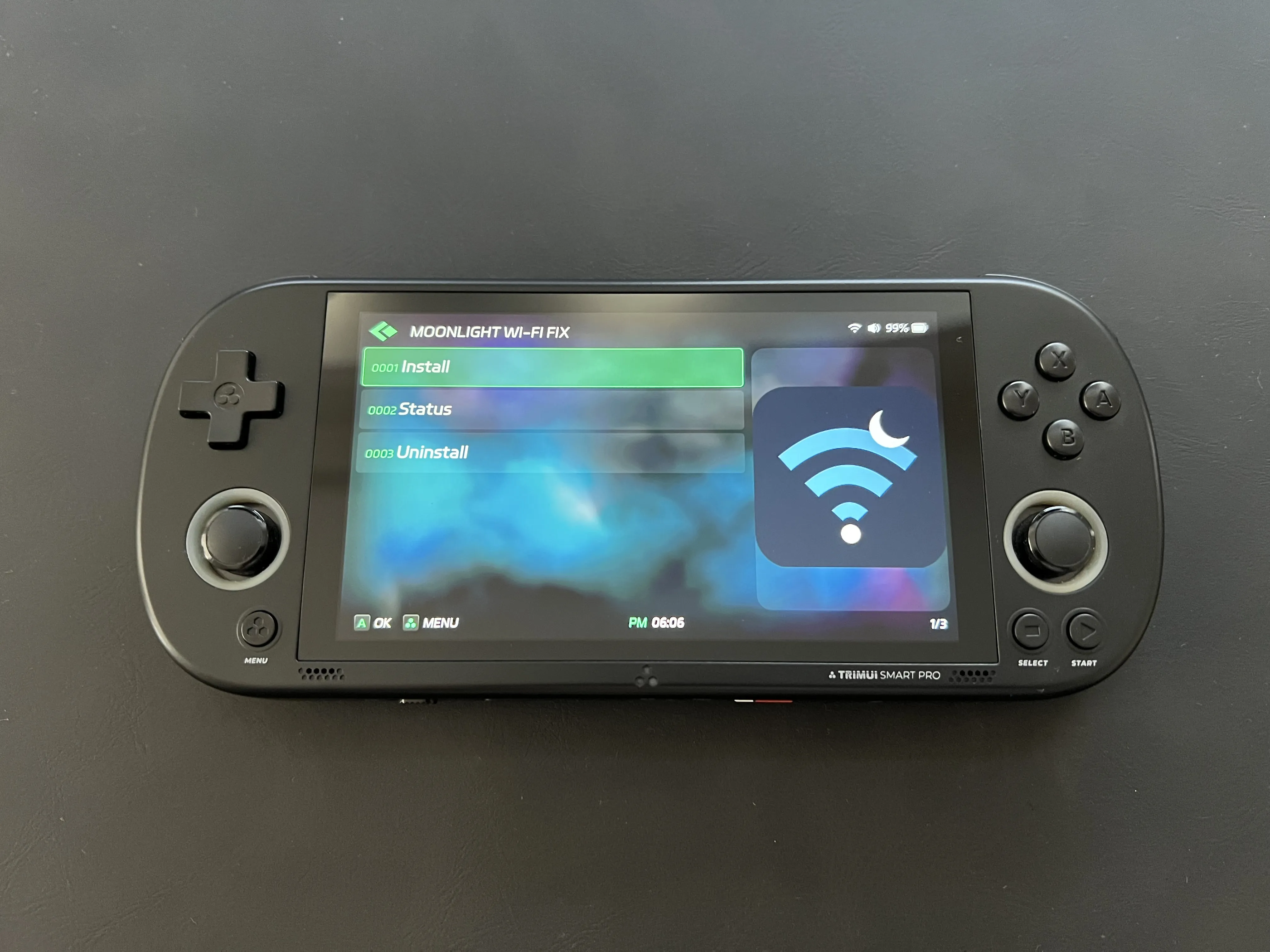
The ZIP is laid out for extraction at the SD-card root. Originally I had it set up as App entries, but that made the menu feel cluttered. The final version instead adds one Moonlight Wi-Fi Fix submenu under System Tools → Tools, with Install, Uninstall, and Status scripts plus source code, license, checksums, and build instructions. No vendor supplicant is packaged in the archive.
System Tools uses a generated menu cache, so you’ll have to run User Interface → Refresh System Tools Menu after extraction. The script names are hopefully self-explanatory. The visible result messages are brief along the lines of “Installed. Restart device.” and “Removed. Restart device.” and full output goes to adjacent log files if something goes wrong.
For uninstall, the package verifies the saved vendor checksum before just restoring /usr/sbin/wpa_supplicant, restores both original launchers, and removes only its two exact runtime directories. Like installation, uninstall never restarts Wi-Fi and the user finishes with a normal whole-device reboot.
After installing the fix and restarting the device, it connected on 2457 MHz with excellent signal. The 45-second watchdog found the library in the live process map, confirmed wpa_state=COMPLETED, and enabled guarded future starts. The two launcher wrappers were already in place.
Proving the fix worked
A successful result could’ve been to just play for an extended period and observe the behavior. But since I knew it should be happening on a specific time interval, I just created the same flag and frequency files a Moonlight launcher creates, then watched iw event -t and 50 ms pings across two complete five-minute boundaries.
| Mode | Trigger epoch | Scan duration | Freeze-class ping |
|---|---|---|---|
| Protected | 1784486785.083166 | 211.438 ms | none at or above 300 ms |
| Protected | 1784487085.084874 | 211.408 ms | none at or above 300 ms |
| Unprotected control | 1784487385.086822 | 1,307.172 ms | 1,285.895 ms maximum |
The trigger event still appears in protected mode, and that is correct. Version 2 does not pretend the work never happened. It turns the off-channel sweep into a real current-channel scan. Results arrive roughly 211 ms later and the supplicant does not retry.
To test, I removed the two temporary launcher files without any kind of restart, and sure enough the very next timer boundary returned to the original 1.3-second radio outage and queued a whole staircase of packets from 1,286 ms downward. Proving that the fix works!
Installing or reverting it
The release is trimui-moonlight-obss-fix-0.2.1.zip. Extract it at the root of the SD card, refresh System Tools once, open Tools → Moonlight Wi-Fi Fix → Install, and restart the whole device normally (Don’t just toggle wifi!). The installer refuses any supplicant hash that has not been tested.
To revert, run Uninstall from the same submenu and restart the whole device. The uninstaller verifies the persistent vendor backup before restoring it, puts both original Moonlight launchers back, and never interrupts the current association.
If this doesn’t work for you, it’s possible your device has a different firmware version or a different Wi-Fi stack. Or you have a completely different problem. In the end Moonlight and streaming does require a healthy Wi-Fi connection, so you may want to check your signal, interference, and router settings.